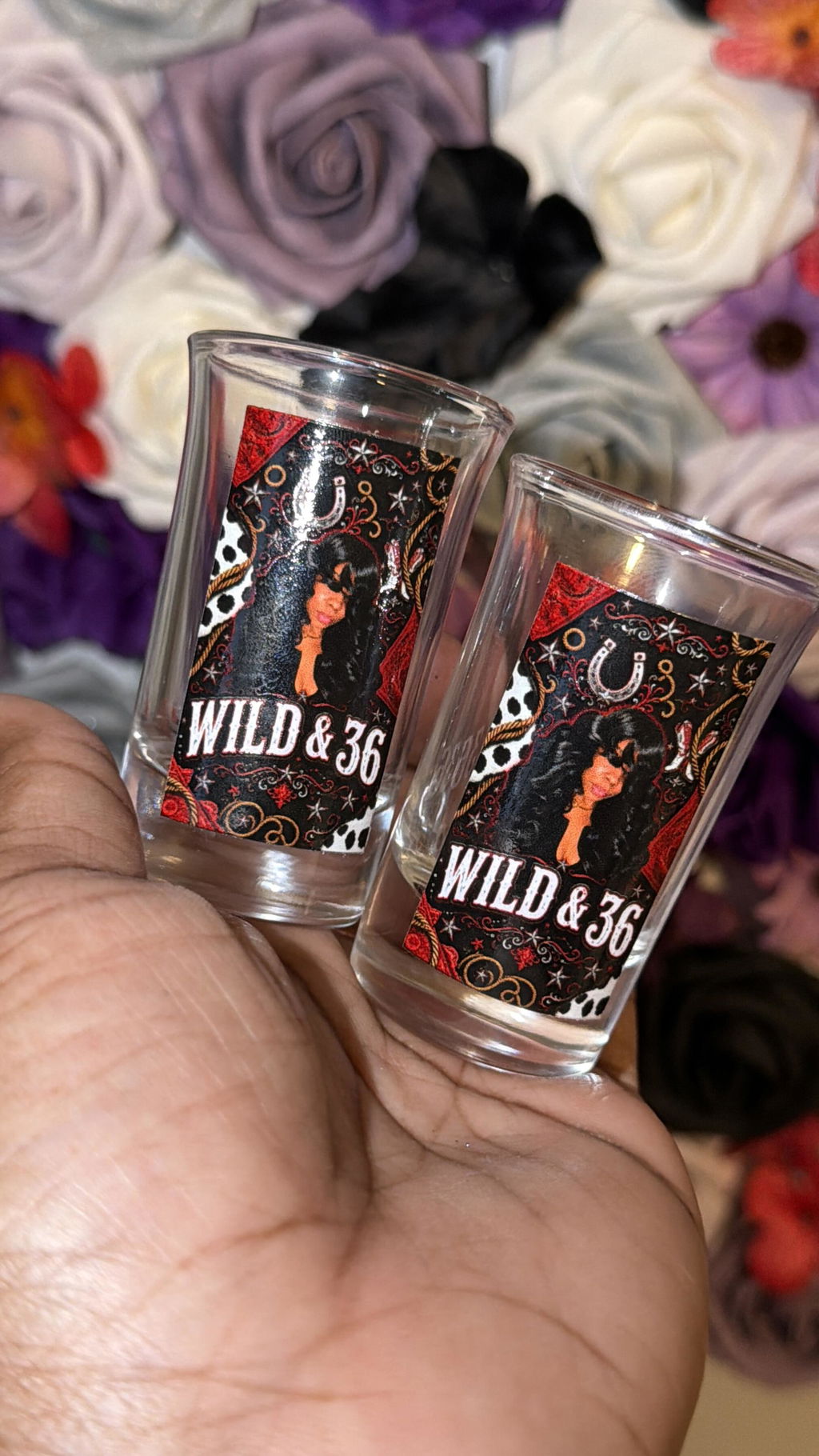
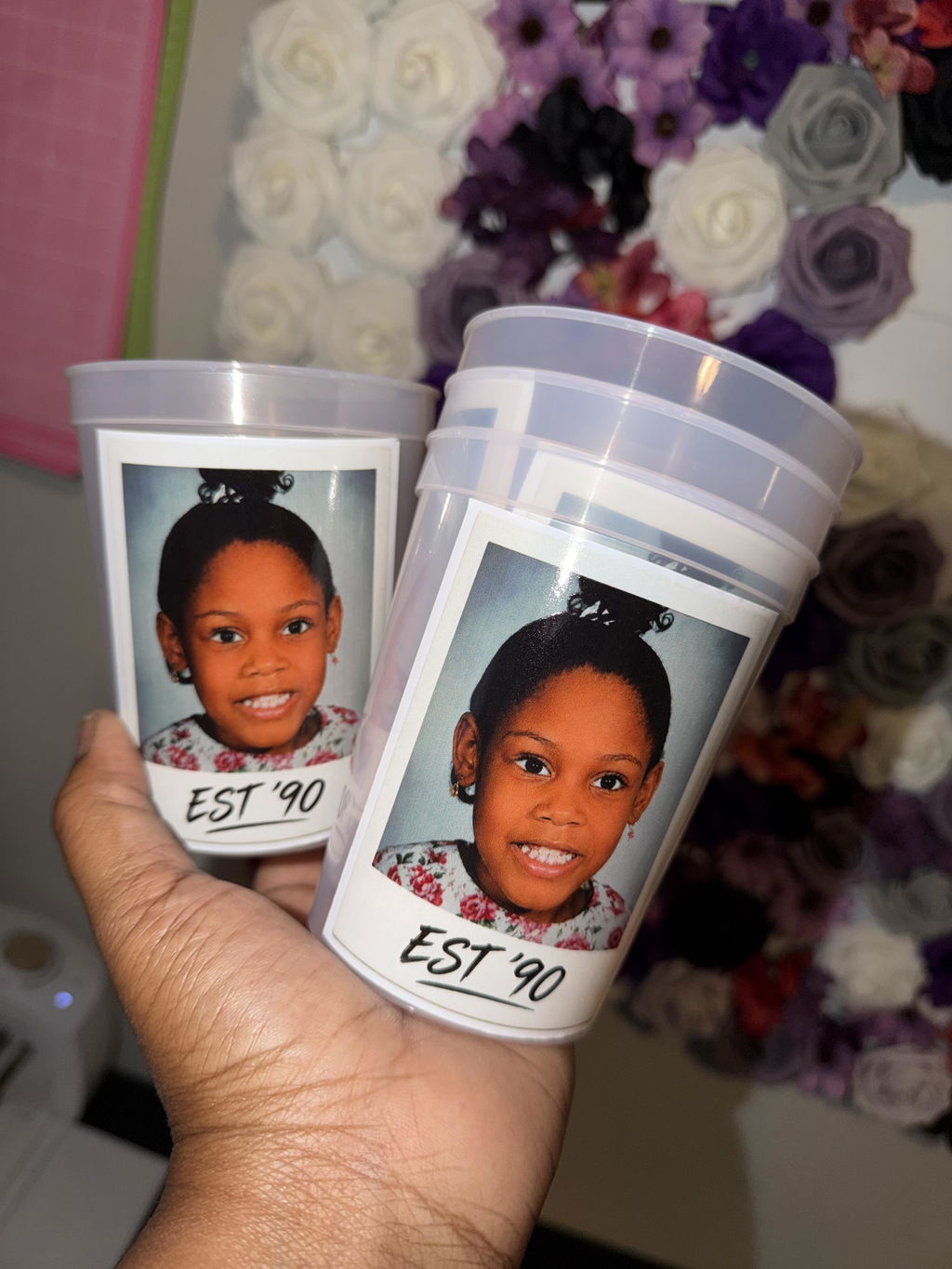
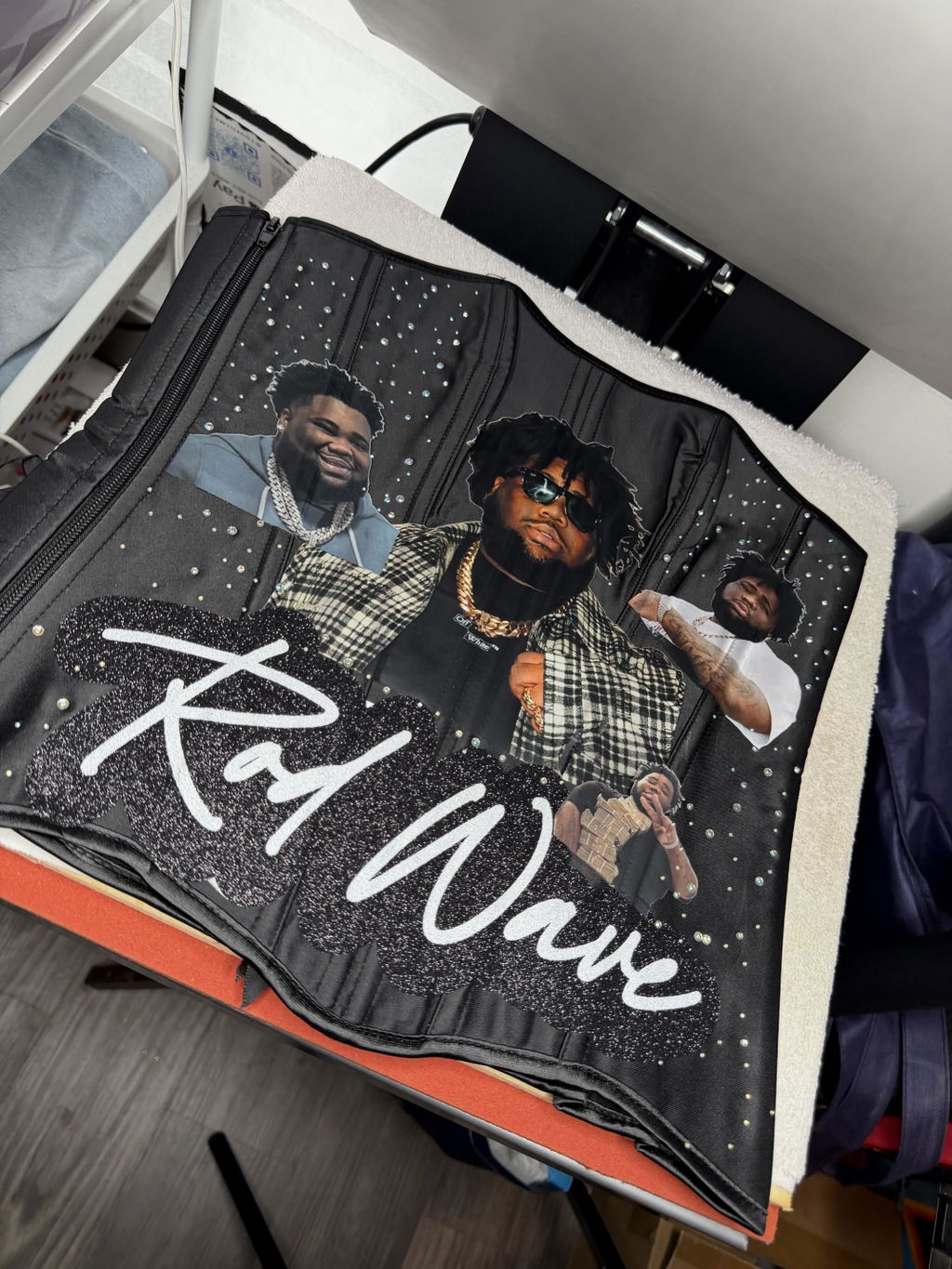
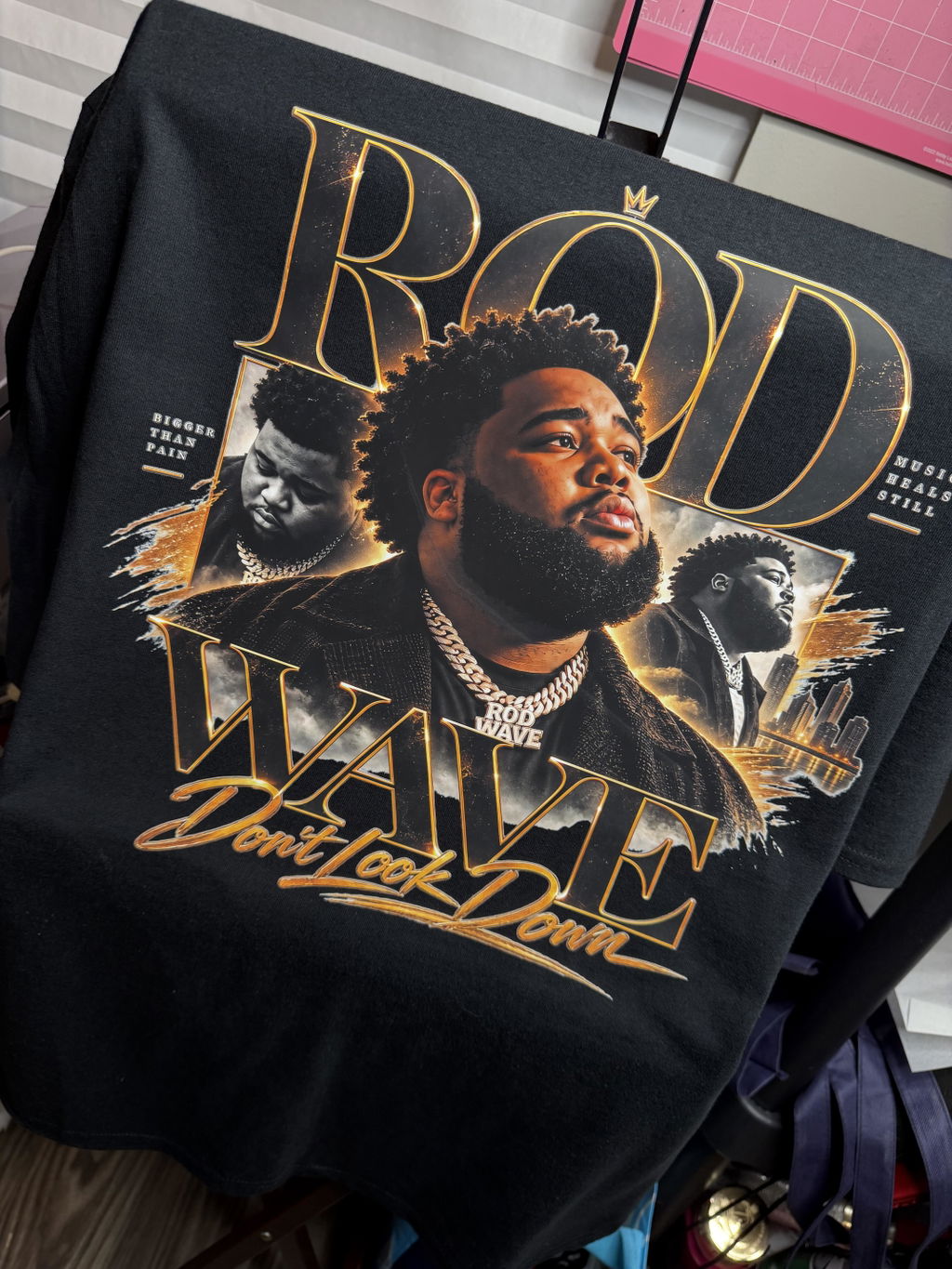
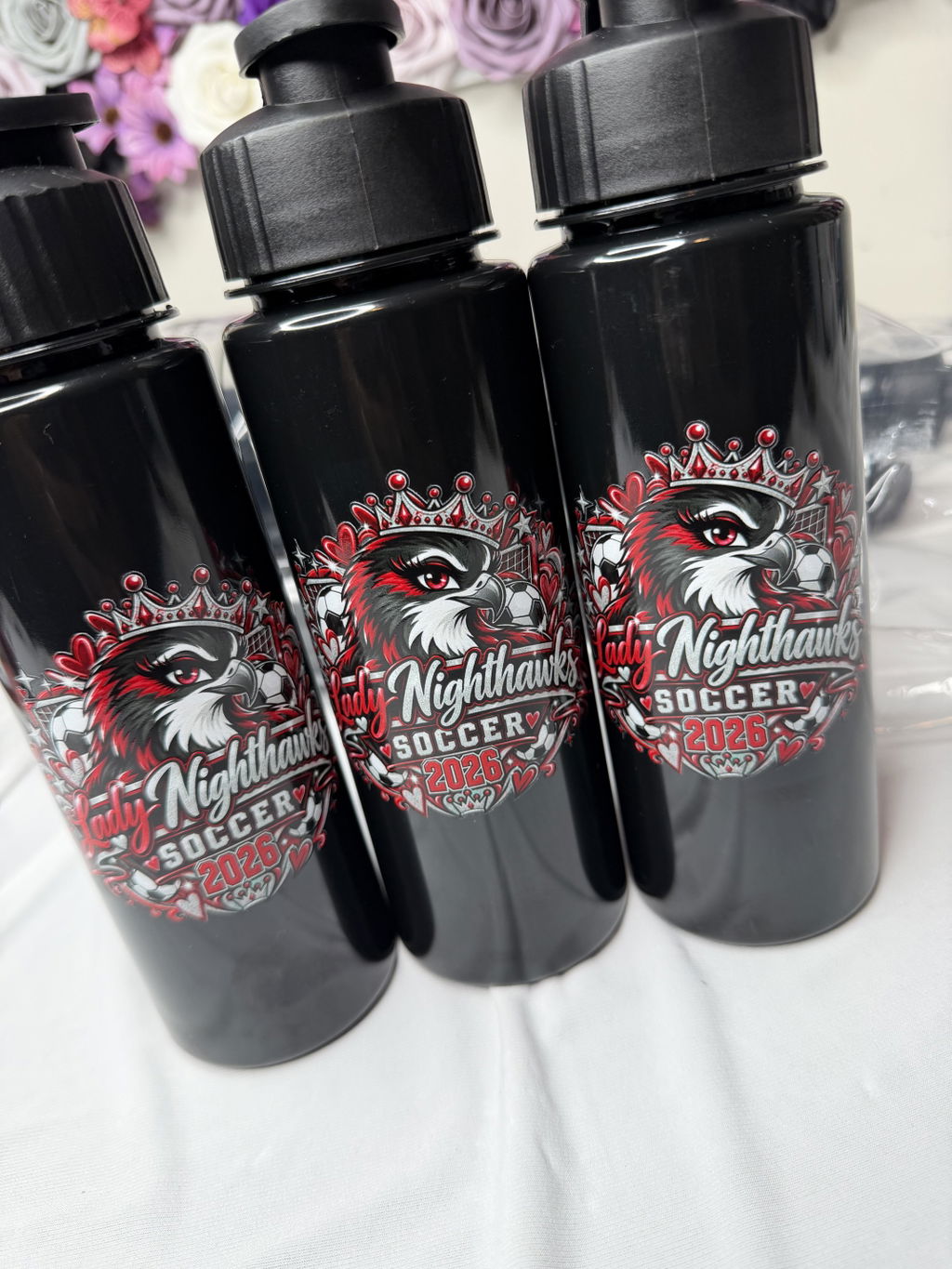
VIBRANT COLORS
•ORDER TODAY. PRINT TODAY. SHIP TODAY
•PREMIUM DTF TRANSFERS
•NO MINIMUMS
•FREE SHIPPING OVER $100
•DTF Gang Sheet Printing · dtf transfers · Multi-Design DTF Orders

Once you have decided to use a DTF gang sheet, the important question is no longer simply what a gang sheet is. The real challenge is organizing multiple designs so they make sense for the way you plan to produce the job.
One sheet might include main front graphics, sleeve designs, names, numbers, logos in different sizes, and repeated artwork. Putting all of those elements into a single order can be practical, but a well-planned multi-design order involves more than filling available space with graphics.
Good planning starts with knowing how many copies of each design you need, the actual print dimensions, which garment or job each transfer belongs to, and how you plan to cut, sort, and press the transfers after you receive them.
If you want to look at your local order from a broader perspective first, start with the Nashville DTF transfers guide. Once you have decided on a gang sheet, the next step is organizing your designs, dimensions, and quantities around your actual production workflow.
A common mistake with a multi-design gang sheet is opening every artwork file and immediately arranging designs wherever they fit.
A more useful approach is to define the production run first.
For example, one job might include:
All of those graphics can be part of the same gang sheet, but first you need to understand the role each one plays in production.
Knowing which garment a design belongs to, how many copies you need, and the size at which it should be printed makes the sheet easier to manage when it is time to sort and press the transfers.
Before arranging the gang sheet, make a quick inventory of the artwork that needs to be printed. The list does not need to be complicated. It only needs enough information to make the production requirements clear.
For each piece of artwork, identify:
When a sheet contains many different files, relying on memory to track quantities can make the order harder to manage. Decide how many copies of each graphic you need before building the layout.
If the same garment uses more than one transfer, organize the designs by their application roles rather than only by how similar they look.
For example, a shirt might need a large front graphic and a small sleeve logo. They belong to the same order, but they do not necessarily use the same dimensions or quantities.
Determine the actual application size for each design before placing it on the sheet. If the same logo will appear on both the front and sleeve at different sizes, treat those versions as separate production items.
This distinction also matters when calculating quantities. If ten shirts need a front graphic but only some of those shirts need the sleeve logo, do not automatically assume that both designs require the same number of copies.
A gang sheet allows you to organize different graphics in one layout, but each design should still be planned according to its own placement, dimensions, and quantity.
Names and numbers can quickly add complexity to multi-design orders for teams, schools, employee apparel, and other personalized projects.
Before creating the layout, finalize the list of names and numbers and determine which garment each one belongs to.
When similar names or repeated numbers are involved, producing a layout that looks correct on screen is only part of the job. After cutting the sheet, you should still be able to identify which transfer belongs with which garment.
For personalized orders, think beyond space on the sheet and consider how you will sort the individual transfers after cutting them.
Artwork dimensions are one of the most important parts of planning a multi-design DTF gang sheet.
Two designs that look similar on screen do not necessarily need to be printed at the same size. A large back graphic, a medium front graphic, and a small sleeve logo can all appear in the same layout, but each should be sized for its actual application.
Defining the target dimensions before building the layout helps in two ways:
If you are still deciding which ordering format fits your project, review the guide comparing DTF gang sheets and transfers by size. Once you choose a gang sheet, you can move forward by planning the artwork around your actual production needs.
Repeating logos are a natural fit for a multi-design gang sheet, but simply adding a few extra logos wherever space remains is not a reliable way to plan the order.
Start with the actual quantity you need.
If one logo will be used repeatedly across different garments in the same production run, calculate the required number of copies first. Then include enough repetitions in the layout to match that quantity.
If you need the same design in different sizes, track those versions separately as well. A small and large version of the same logo may share the same artwork, but they are different transfers from a production standpoint.
This approach is also useful for repeat jobs. If the same combination of artwork will be ordered again, knowing how many copies of each version you used gives you a clearer starting point for the next order.
A gang sheet layout should not be judged only by how it looks on a screen. After the sheet is printed, you still need to prepare the individual transfers for production.
As you arrange the graphics, ask yourself one practical question:
When I receive this sheet, how will I cut and group these transfers?
Keeping designs from the same production run in a logical arrangement can be more useful than mixing unrelated customer or garment groups throughout the sheet.
For example, placing the front and sleeve graphics for the same shirt near one another may make them easier to match after cutting. Similarly, grouping artwork from the same customer job in one area can make sorting more straightforward.
The goal is not simply to minimize every bit of unused space. Think about how the layout will function once it becomes a physical sheet that needs to be cut and organized.
Cutting is followed by pressing, so your multi-design order should account for that stage as well.
If a production run contains several garment groups, consider how you expect to use the transfers at the press.
For example, if your workflow is to apply all front graphics first and then move to sleeve graphics, organizing the sheet and the cut transfers around that sequence may make the job easier to follow.
For another project, it may make more sense to create sets for each customer or garment. There is no single layout method that fits every job. The useful arrangement depends on how you plan to use the transfers after they are printed.
Think of the gang sheet as more than a print file. It can also serve as an early organizational step in your apparel production workflow.
A builder is a tool for creating the layout. It does not decide how many copies of each design you need or what dimensions make sense for your production run.
Before opening the builder, it helps to have the following information ready:
Once those decisions are made, the layout stage becomes much more systematic.
When you are ready to arrange the artwork, the DTF gang sheet builder guide walks through the layout process step by step.
After completing the layout, compare the sheet against your production list before placing the order.
Check each of these points:
This check is especially useful when a sheet contains many similar graphics. A layout can look visually correct while still containing a quantity or job-assignment mistake.
If the same type of gang sheet may be useful again, think beyond the current order.
Keeping artwork files, dimensions, and quantity logic organized consistently can give you a clearer starting point when you need to rebuild a repeat job.
For example, if a customer regularly uses the same front logo, sleeve logo, and several smaller brand marks, keeping track of which designs belong together can simplify planning for the next production run.
A repeat order does not mean the previous layout should automatically be reused without review. Quantities, garment combinations, or design sizes may have changed. Compare the previous setup against the requirements of the new job before submitting it again.
DTF Nash's Nashville location and 24/7 local pickup option allow you to consider fulfillment as part of your gang sheet production workflow. However, 24/7 pickup does not mean 24/7 production.
Instead of thinking only about the day you want to collect the gang sheet, determine when the transfers need to enter your own pressing schedule.
If you are working toward a customer deadline or a scheduled production day, plan backward:
This makes fulfillment part of the production plan rather than a separate decision made at the end of the gang sheet order.
Yes. A multi-design order can organize different artwork, dimensions, and repeating graphics within the same layout. The important step is determining the actual dimensions and required quantity of each design before building the sheet.
Yes. Treat the front and sleeve designs as separate production items with their own intended dimensions. The same logo may need different sizes for different placements.
Finalize the names and numbers first and determine which graphics belong with each garment. When arranging the layout, consider not only space on the sheet but also how you will identify and sort the transfers after cutting.
No. Space use matters, but the layout should also work with your cutting, sorting, and pressing workflow. Consider how you will physically handle the individual transfers after the sheet is printed.
Have your final artwork, design dimensions, quantities, any size variations, and the grouping of designs for each production job ready before you open the builder.
A previous layout can provide a useful starting point, but review it against the new production run first. Quantities, design sizes, or the garment mix may have changed since the previous order.
A well-planned multi-design DTF gang sheet is about more than how many graphics you can place on one sheet.
The more important considerations are preparing artwork at the intended dimensions, determining quantities in advance, separating front and sleeve graphics by their production roles, organizing repeating logos and personalized elements clearly, and making sure the sheet will be practical to cut, sort, and press.
Define the production run first. Then identify the designs, dimensions, and quantities you need. Arrange the layout around the way you will actually use the transfers, and compare the finished sheet against your production list before submitting the order.
When your plan is ready, move to the DTF Nash DTF gang sheet order page to build your multi-design order.